Winter arc starts October 1st. Ready?
90 days of doing what you said you’d do, solo or with up to 7 friends.


Coming soon to the App Store and Google Play.
3 days free, then $9 once. No subscription.
Doing this with anyone?
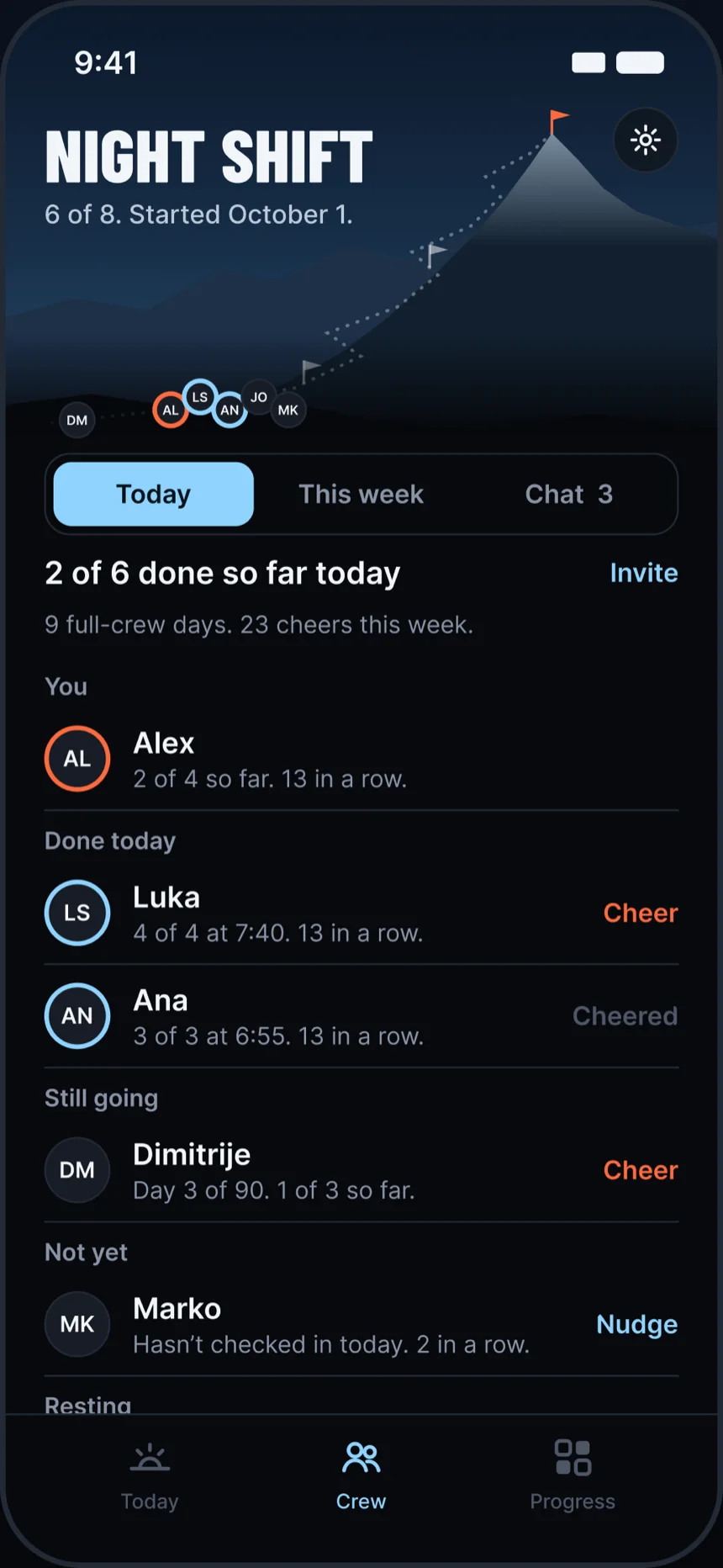
Up to 8 people, each with their own rules. The crew sees who showed up today, never what the rules are.
Jake
day 14. legs are cooked
who’s lifting tonight
You
me, 6:30. steps first
Maya finished today 6:55
Maya
cold shower at 6 was brutal ngl. worth it
Tyler
haven’t started. don’t look at me
Sam
day 3. does it get easier?
Jake
no
Sign a contract with yourself
Your rules turn into a short letter from you to you, and you sign it with your finger. Nobody else ever reads it, so be honest.
I’m Alex. From October 1 to December 29, I’m getting stronger and more disciplined.
Every day I’ll wake up before 6, take a cold shower and walk 10,000 steps. I’ll train 4 times a week.
I’m going Hard, so one miss ends my streak. Moggers sees whether I show up.
Bad days still count. If I miss one, I’ll own it and get back on it the next morning.
Alex, September 29, 2026
How much weight?
Pick how strict your arc is. You can switch until the end of day 3. After that, no take-backs.
-
Warm-up
One rule can slip each day.
-
Standard
Hit all your rules. One free miss a week.
-
Hard
Hit all your rules. One miss ends your streak.
-
Monk mode
Miss once and you’re back to day 1.
Every weight comes with 3 sick days. Taking one isn’t a miss, so your streak holds, and the crew just sees “Resting today.”
Show up every day for 90 days
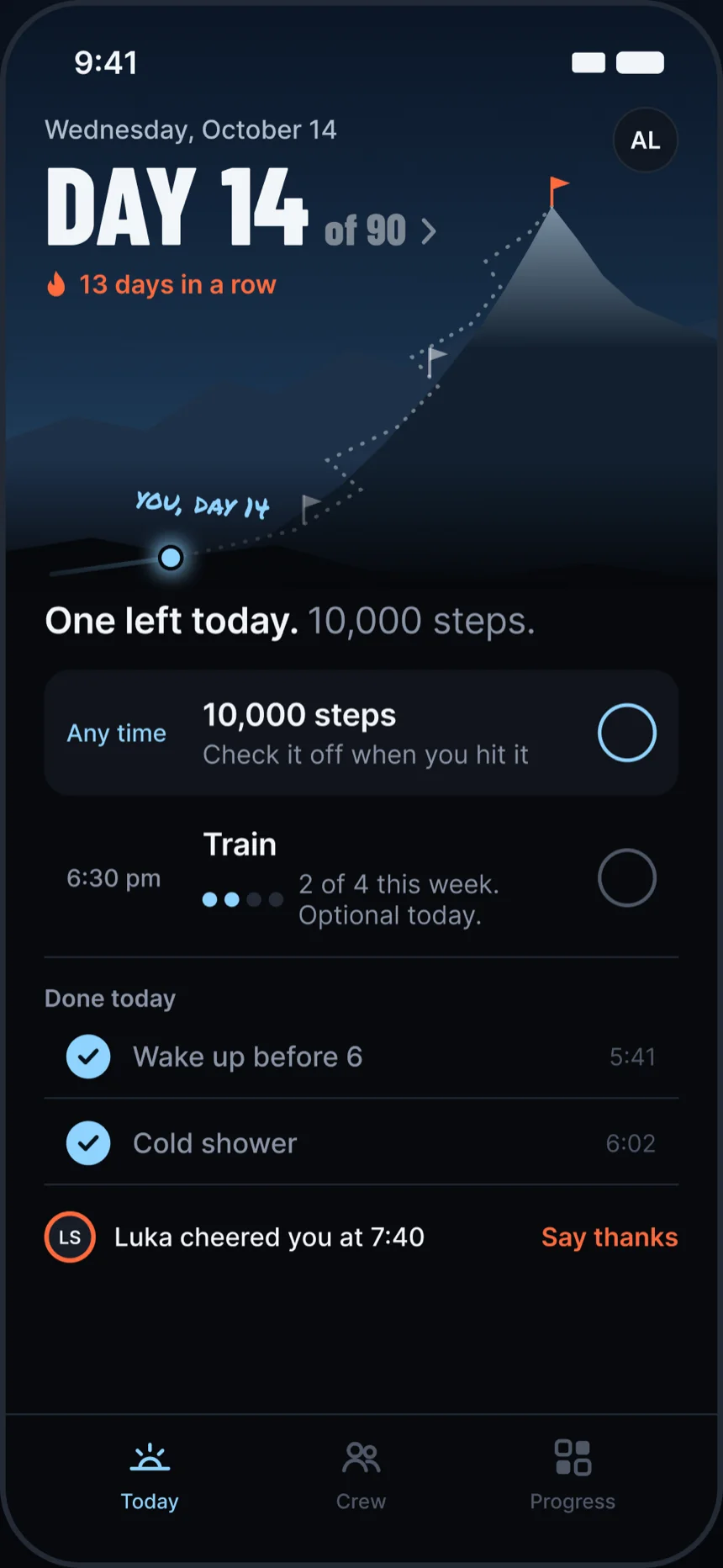
Every rule can ping you at its own time. Your day ends at 3:00 am, not midnight, so the late gym session still counts.
-
5:45 am
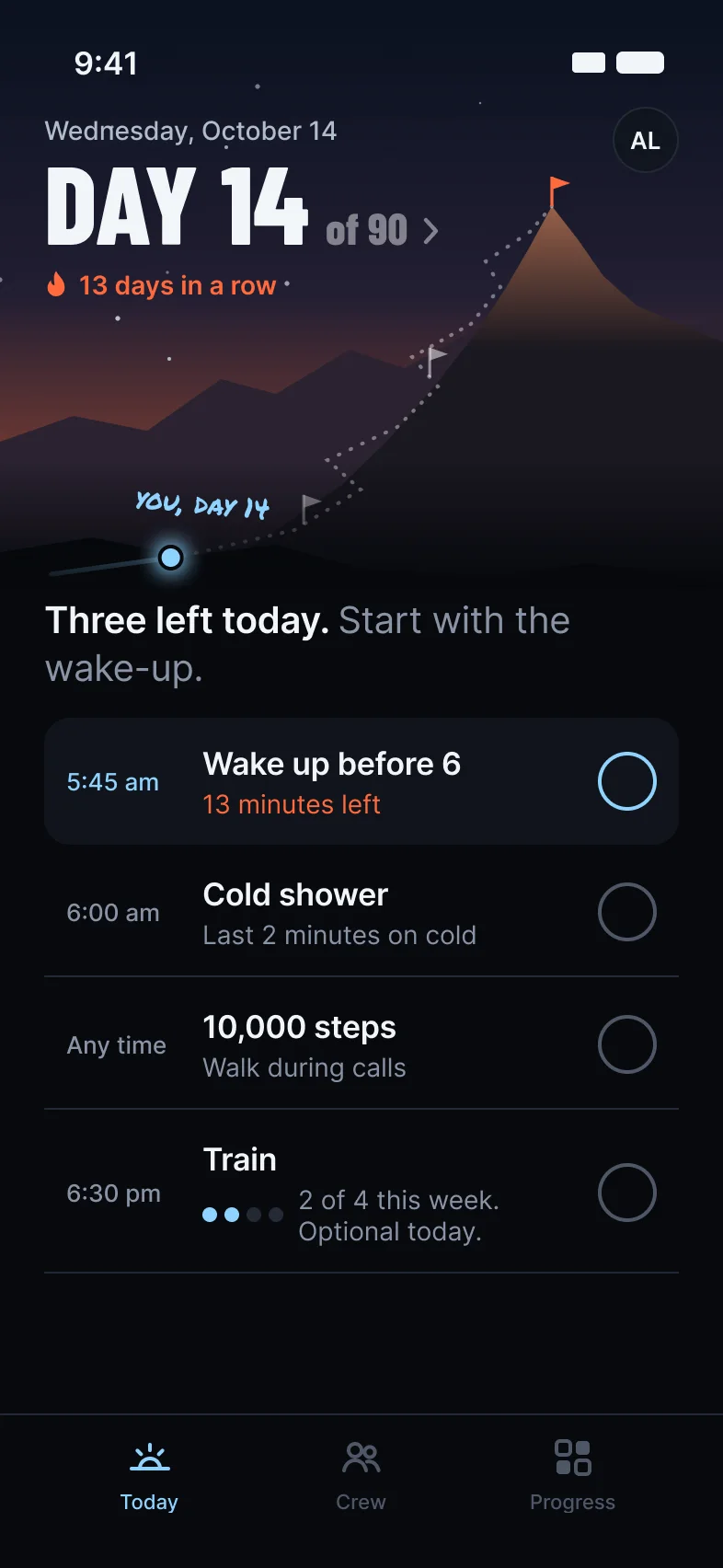
The reminder hits and the countdown to 6:00 starts.
-
6:20 am
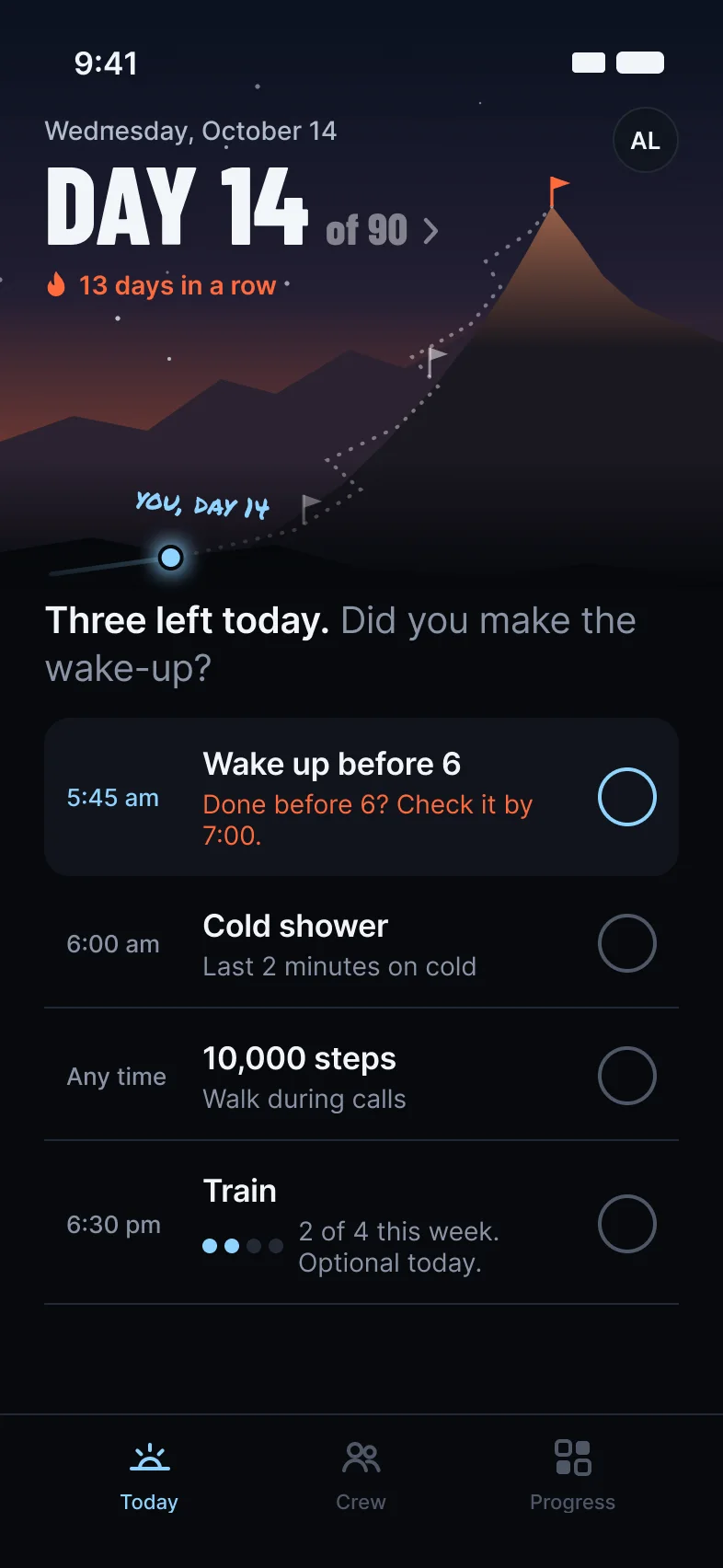
Up at 5:50 but forgot to tap? You get an hour after the deadline. We’re not monsters.
-
7:05 pm
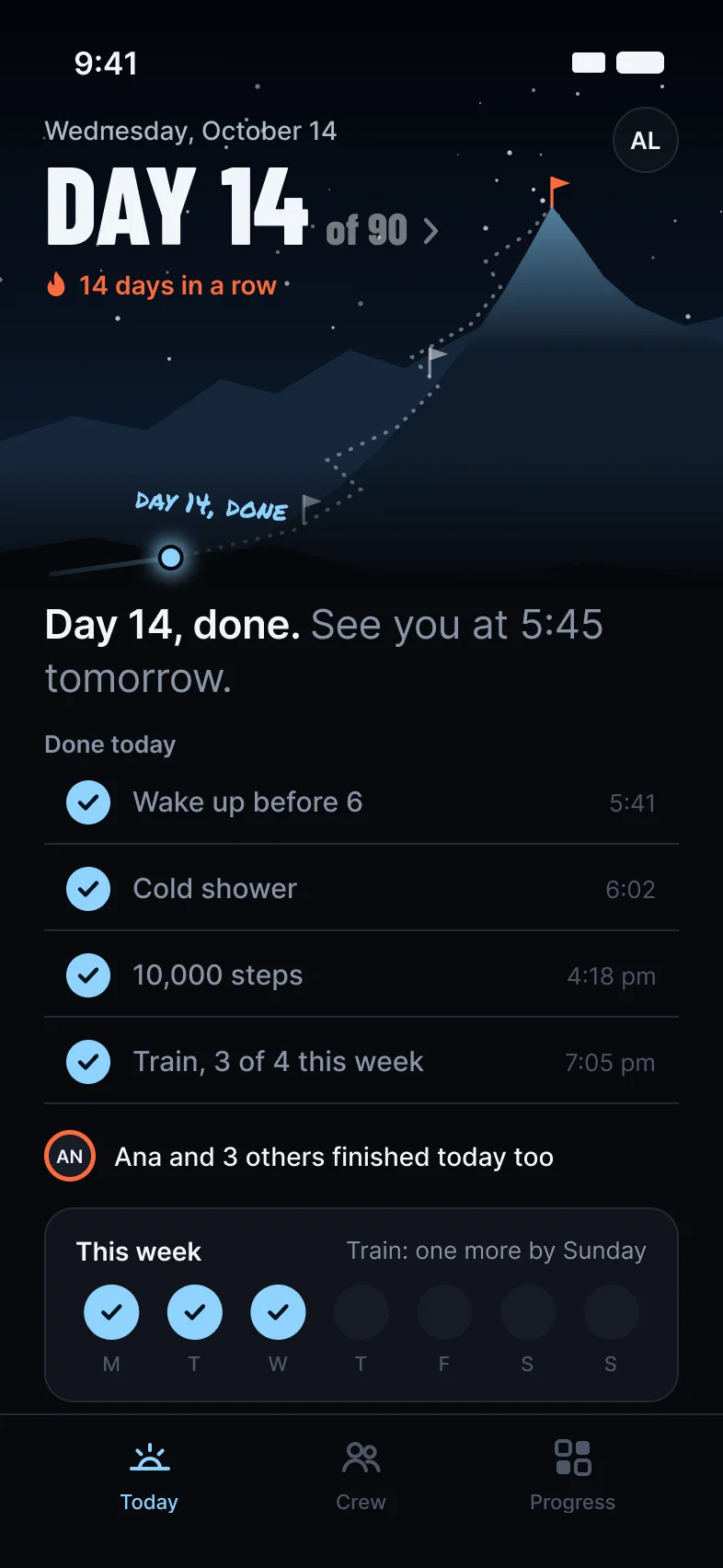
Day 14, done. The crew sees you finished at 7:05.
-
3:00 am
Midnight. Still today, relax.
The day actually ends. Forgot to tick something? It can come back in the morning, with until noon to answer.
Your rules stay on your phone
Rules, check-ins and your contract live on your phone and your own iCloud or Google backup. We never see them.
On your phone
- Wake up before 6, done
- Cold shower, done
- 10,000 steps
- No doomscrolling in bed
What Moggers sees
2 of 4
so far today, 13 in a row. That’s all your crew gets. Not your rules, your weight or your contract.
Going solo? No account needed. Crews use a quick Apple or Google sign-in. No ads, and no analytics on your check-ins or rules.
See every day of your climb
Every day you show up, the line climbs. Bad days stay on the map, and sick days never count as a miss.
- check-ins
- 320
- best streak
- 75
- miss
- 1
Camp 1 Day 30, October 30
Camp 2 Day 60, November 29
Summit Day 90, December 29
Pay once for all 90 days
Your first 3 days are free, and nothing renews or is charged automatically, so there’s no surprise charge in January.
Rough start? Start over from day 1, free, up to 3 times until day 30; a start over past the free ones is a new purchase of the arc. After day 90, run it back with the same rules, start fresh, or take a break. The store shows the price in your currency.
Winter arc 2026
October 1 to December 29
90-day arc$9.00
First 3 daysFree
Joining a crewNo extra cost
Unlimited rules and check-insIncluded
Cheers and remindersIncluded
Day 90 recap cardIncluded
RenewsNever
Total$9.00
about 10¢ a day.
Questions
Still wondering? Email support@90north.app and we usually answer within a day.
What is a winter arc?
A 90-day push through the end of the year. You pick a few daily rules, like training, sleep or no doomscrolling, keep them every day, and walk into January already moving. Most people start October 1, and you can start any day. Our winter arc guide has the dates, the common rules and how to pick yours.
What if I miss a day?
Depends on your weight. Warm-up lets one rule slip a day and Standard forgives one miss a week. On Hard a miss resets your streak (the arc keeps going), and Monk mode sends you back to day 1.
What if I get sick?
Every arc comes with 3 sick days. A sick day isn’t a miss, your streak holds and your summit date doesn’t move. Your crew just sees “Resting today.”
Can I change my rules?
Yes, through the end of day 3. After that they’re locked, but reminder times can always change. Starting over opens them again until the new day 3.
Can I start after October 1?
Yes. When you set up, pick today or tomorrow as your day 1, and you can still join a friend’s crew. Everyone in a crew keeps their own dates.
Do I need an account?
Not if you’re going solo. Crews need a quick sign-in with Apple on iPhone or Google on Android.
Is this a subscription?
No. You pay $9 once for the whole arc and it never renews. Going again after day 90, or a start over past the free ones, is a new purchase, and nothing is charged without the store’s payment sheet.
Is there a free trial?
Yes. Your first 3 days are free, and nothing is charged automatically when they end. From day 4, Today, Progress and Crew wait until you lock in for $9, and your arc waits with them: those days don’t count, and you pick up at day 4. Settings stays open. On iPhone the free days come once per Apple Account.
Can I start over?
Yes. Start over makes today or tomorrow your day 1 again, with 3 new sick days, and your earlier days stay in your history. Each purchase comes with 3 free start overs, each until day 30. After that, a start over is a new purchase.
Do my friends pay too?
Yes. Each person pays $9 once for their own 90 days, after their own 3 free days. Starting or joining a crew costs nothing extra.
Does it work on Android?
Yes, on phones with Android 8 or later, and on iPhone with iOS 17 or later. Moving an account between iPhone and Android isn’t supported yet, and a purchase stays with the store you bought it from.
Does it work offline?
Yes. Check-ins save on your phone, and cheers, nudges and messages go out when you’re back online.
I got a new phone. Now what?
Install 90North on it, signed in to the same Apple or Google account, and tap “Already started? Restore your arc.” Your purchase and arc come back from your iCloud or Google backup.
How do refunds work?
Refunds go through Apple or Google, the same way as any app purchase. For 3 days after you buy, Settings, Purchase has Request a refund, which takes you to Apple’s or Google’s request.
See you Thursday morning.
Everyone starts October 1. Get in before then and start with the rest of us.
Coming soon to the App Store and Google Play.
On a computer? Scan this with your phone.